

My mum rang me last winter, sounding properly fed up. She’d just received another mobile bill, and the number on it had given her a small heart attack. Seventy-eight pounds. For a phone she mostly uses to call my aunt and occasionally panic when WhatsApp updates itself and the icons move around.
That phone call kicked off what I now jokingly call “Operation Sensible Phone Plan”, a six-month journey of comparing networks, getting things wrong, switching providers, and eventually landing somewhere that actually made sense. Along the way, I helped my dad sort his out too, and then two of his friends from the bowling club. So I’ve basically become the unpaid telecoms advisor for everyone over 65 in my postcode.
If you’re trying to sort out a phone plan for yourself, your parents, or your grandparents, I want to save you the headaches I went through. There’s no single “Best Phone Plans for Seniors” and anyone who tells you otherwise is selling something. But there are smart ways to think about it, and some genuinely good options out there.
The First Mistake I Made (Don’t Copy Me)
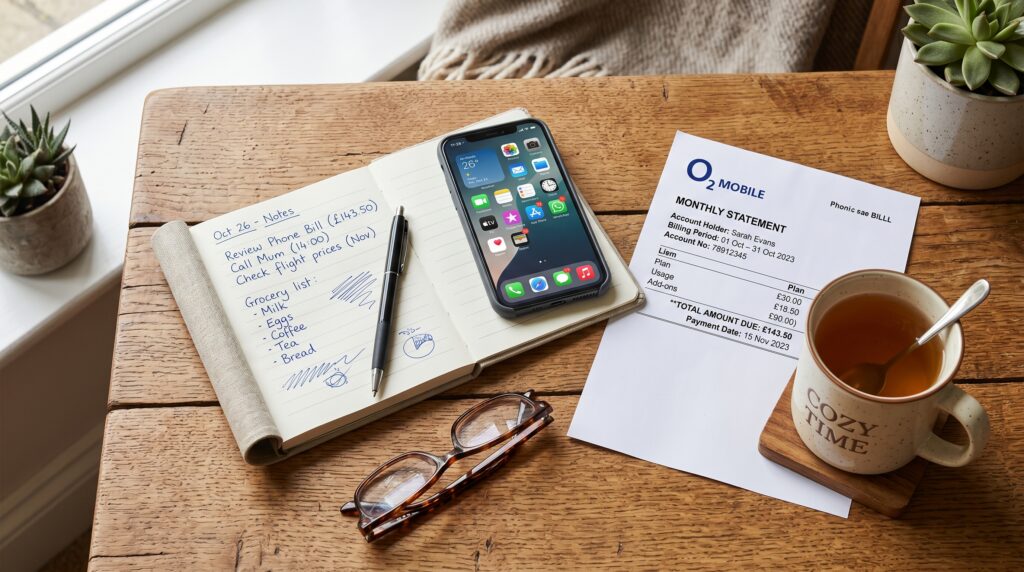
When I first sat down with mum’s bill, I did what most people do. I went straight to a comparison site, sorted by cheapest, and tried to switch her to whatever was at the top of the list.
Big mistake.
The cheapest plan was an online-only SIM deal from a network she’d never heard of. No physical shops. Customer service through a chatbot. App-based account management. My mum, bless her, still calls the TV remote “the clicker”. The moment something went wrong, and something always goes wrong, she’d be stranded.
What I learned is that for older users, the cheapest plan on paper is often the most expensive in practice once you factor in the stress, the unanswered help calls, and the inevitable phone call to you at 9pm on a Tuesday because “the internet’s gone funny”.
What Actually Matters in a Best Phone Plans for Seniors

After helping a handful of older folks switch, I’ve noticed the same priorities come up again and again. They’re not the things glossy adverts focus on.
Reliable signal in their actual home matters more than blistering 5G speeds. If gran can’t get a signal in her kitchen, she doesn’t care that the network won “fastest in the UK” three years running.
Decent customer support, ideally with phone-based help or physical shops, is gold. Some of the budget networks are run almost entirely online, which is fine for me, but a nightmare for someone who wants to talk to a human being.
Simple billing without surprise charges is huge. My mum’s old plan kept adding little fees for things she hadn’t asked for. A “premium content” charge here, an international call she didn’t make there. Pay monthly contracts often hide these landmines.
Enough data, but not too much. Most seniors I’ve helped use somewhere between 1GB and 5GB a month. Anyone selling them unlimited data for £30 is taking the mickey.
The ability to keep their old number. This sounds obvious, but it’s worth checking. Switching with a PAC code is straightforward but you do need to ask for it before you cancel.
The Plans I’ve Actually Used or Set Up

Let me walk through what I’ve genuinely tried, what worked, and what didn’t.
Tesco Mobile ended up being where my mum landed, and she’s been happy for about eight months now. It runs on the O2 network, so coverage is generally good. The reason I picked it for her specifically was twofold. First, she could pop into a Tesco and speak to someone if she got stuck. Second, they have a thing called Capped Contracts, which means she can’t accidentally go over her limit and get a bill for £200. The phone just stops working until the next month, which sounds annoying but is actually brilliant for someone who’d panic about a huge bill. She pays about £10 a month for 5GB, unlimited minutes and texts.
1pMobile is what my dad uses. It’s a SIM-only network running on EE’s masts. The genius bit is the pricing model. You pay 1p per minute, 1p per text, and 1p per MB. He uses his phone so little that some months his bill is £4. There’s an annual £12 fee to keep the SIM active, which sounds odd but works out fine. The downside is it’s not great for anyone who uses a lot of data, and there’s no physical shop. But for very light users, it’s brilliant.
Lebara I tried with my aunt who calls family in Portugal a lot. They have plans with included international minutes built in, which saved her a fortune. She was paying for international add-ons on her old Vodafone contract that cost more than her actual plan.
SMARTY is one I’d genuinely recommend if the senior in your life is reasonably tech-confident. It’s owned by Three, runs on Three’s network, and the plans are dead simple. One-month rolling contracts, no price rises, and you can change your plan each month. My dad’s friend Eric uses it and gets on fine, but he was a computer engineer back in the day, so your mileage may vary.
What About the “Special Senior” Plans?
You’ll see adverts for specific senior phone plans, especially from companies selling big-button phones bundled with airtime. Some of these are genuinely good for people with specific needs, like memory issues or limited dexterity. Doro phones with their built-in emergency buttons are popular, and providers like the Royal British Legion sometimes partner with networks for tailored deals.
But I’ll be honest, for most independent, mentally sharp seniors I’ve helped, a normal smartphone on a sensible plan beats a specialist “senior phone” hands down. My mum uses an iPhone SE and FaceTimes her grandkids constantly. A clunky big-button phone would have made her feel old before her time, and she’d have hated me for suggesting it.
A Step-by-Step Approach That Actually Works
Here’s roughly the process I now follow whenever someone asks me to help.
First, get hold of the last three bills and look at what they actually use. Not what the plan offers, what they really use. You’ll usually find someone paying for 50GB who uses 2GB, or paying for unlimited minutes when they call three people.
Second, check coverage at their home address. Every network has a coverage checker on their website. Type in the postcode and see what comes up. Don’t trust the marketing, trust the map.
Third, decide whether they need a new phone or just a new SIM. SIM-only deals are dramatically cheaper. If their current phone works, keep it. The phone industry’s biggest con is convincing people they need to upgrade every two years.
Fourth, write down the contract end date of their current plan. Switching early can mean exit fees. If they’re out of contract, you can switch immediately.
Fifth, ring the current provider and ask for the PAC code to keep the number. They have to give it to you within minutes. They’ll try to talk you out of leaving, just be polite and firm.
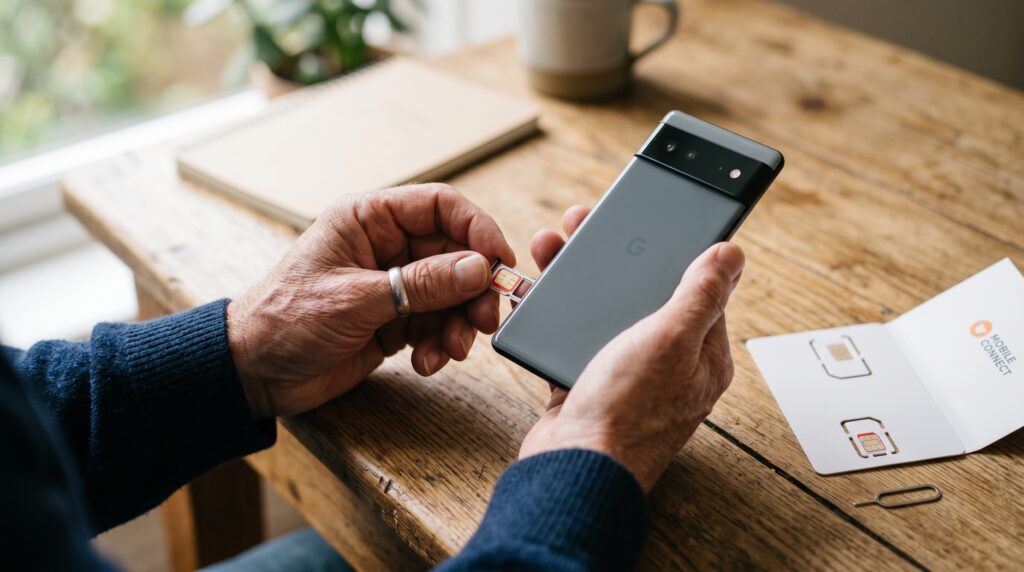
Sixth, order the new SIM. Most arrive within a couple of days. Activate it using the PAC code, and the old service automatically cancels.
That’s genuinely it. The whole thing takes about half an hour of admin spread across a week.
Common Mistakes I See People Make
Buying a phone and contract together when out of contract. The phone is often massively marked up versus buying it outright.
Going for unlimited everything “just in case”. Most seniors don’t need it, and “just in case” is how providers make their margin.
Forgetting about WiFi calling. If signal is patchy at home, a network that supports WiFi calling lets the phone use the home broadband for calls. EE, O2, Vodafone and Three all support this on most modern handsets.
Not setting up the basics properly. After switching, spend twenty minutes setting up voicemail, saving important contacts, and showing them how to find the dial pad. I’ve watched my mum stare at her phone trying to remember how to call someone too many times.
Ignoring the price-rise clause. Many big network contracts include annual price rises tied to inflation. SMARTY, 1pMobile and a few others don’t do this. It matters more than people realise over a two-year contract.
A Quick Word on Scams
This is the bit I feel strongest about. Older people are targeted relentlessly by phone scams. Whatever plan you pick, set up the basics.
Switch on spam call filtering if the network offers it. Most do now. Show them what a typical scam call sounds like, the HMRC ones, the Amazon ones, the fake bank ones. Saying “just hang up” is more useful than any antivirus app.
If you can, set up their phone so unknown numbers go straight to voicemail. iPhones have this built in under Settings, and most Androids have something similar. It’s been a small revelation for my mum, who used to answer every call out of politeness.
Where I’d Actually Start Today
If I had to give one starting point, it would be this. Look at Tesco Mobile, SMARTY, or 1pMobile depending on how much they actually use their phone. Get a SIM-only plan on a one-month rolling contract so you can change your mind. Keep their existing phone if it still works. Don’t overcomplicate it.
The whole industry wants you to feel like phone plans are this incredibly complex puzzle. They’re not. Most people, including most seniors, just need a sensible amount of data, the ability to make calls, and a bill that doesn’t make them clutch the kitchen counter when it arrives.
My mum still rings me about the phone occasionally. Last week she wanted to know why a notification kept popping up. Turned out to be an update reminder. But the bill complaints have stopped, and that’s the real measure of success.
Whatever you choose, take it slow, ignore the flashy adverts, and remember that the best plan is the one that fits how someone actually lives, not how the brochure thinks they should.